Clip factory
Clip factory
Podcasters, YouTubers, and webinar hosts — the largest and most proven short-form demand.
What you get
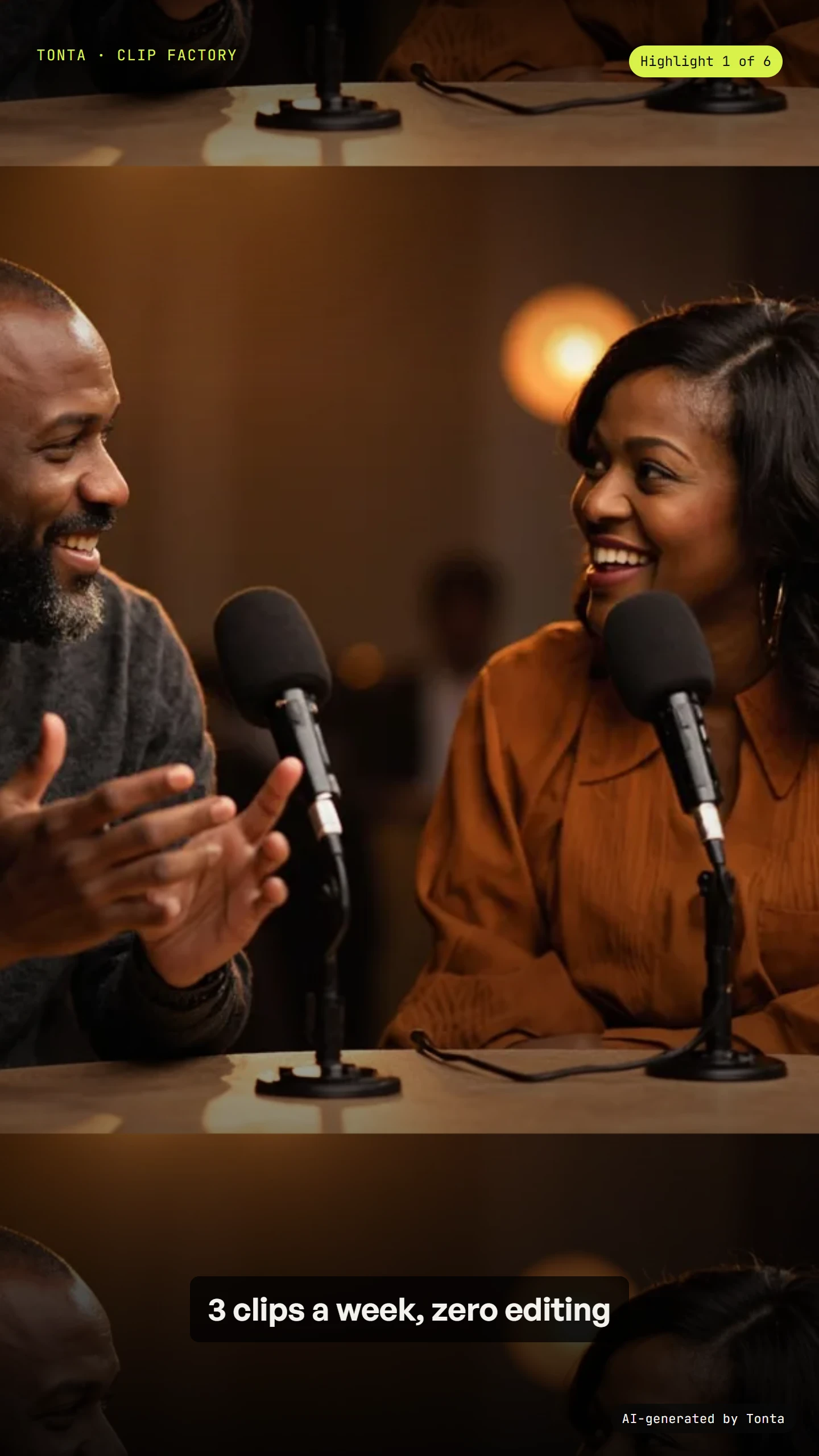
- Multiple clips per source, reframed to vertical with automatic speaker tracking
- Captions burned in by default, in your chosen style
- An optional b-roll augment pass for clips that need more than a straight cut — this is where it goes beyond a pure clipping tool
No generation is needed for the core cut, which is what keeps this service cheap and fast
Clip selection is checked against what's already been pulled from this source, so a long episode doesn't get the same three moments clipped twice
b-roll augmentation is opt-in per cycle, only when a straight cut genuinely needs more
A cadence for this service can't run unattended without a fresh source each cycle — it never silently reuses an old one
The range this dial covers
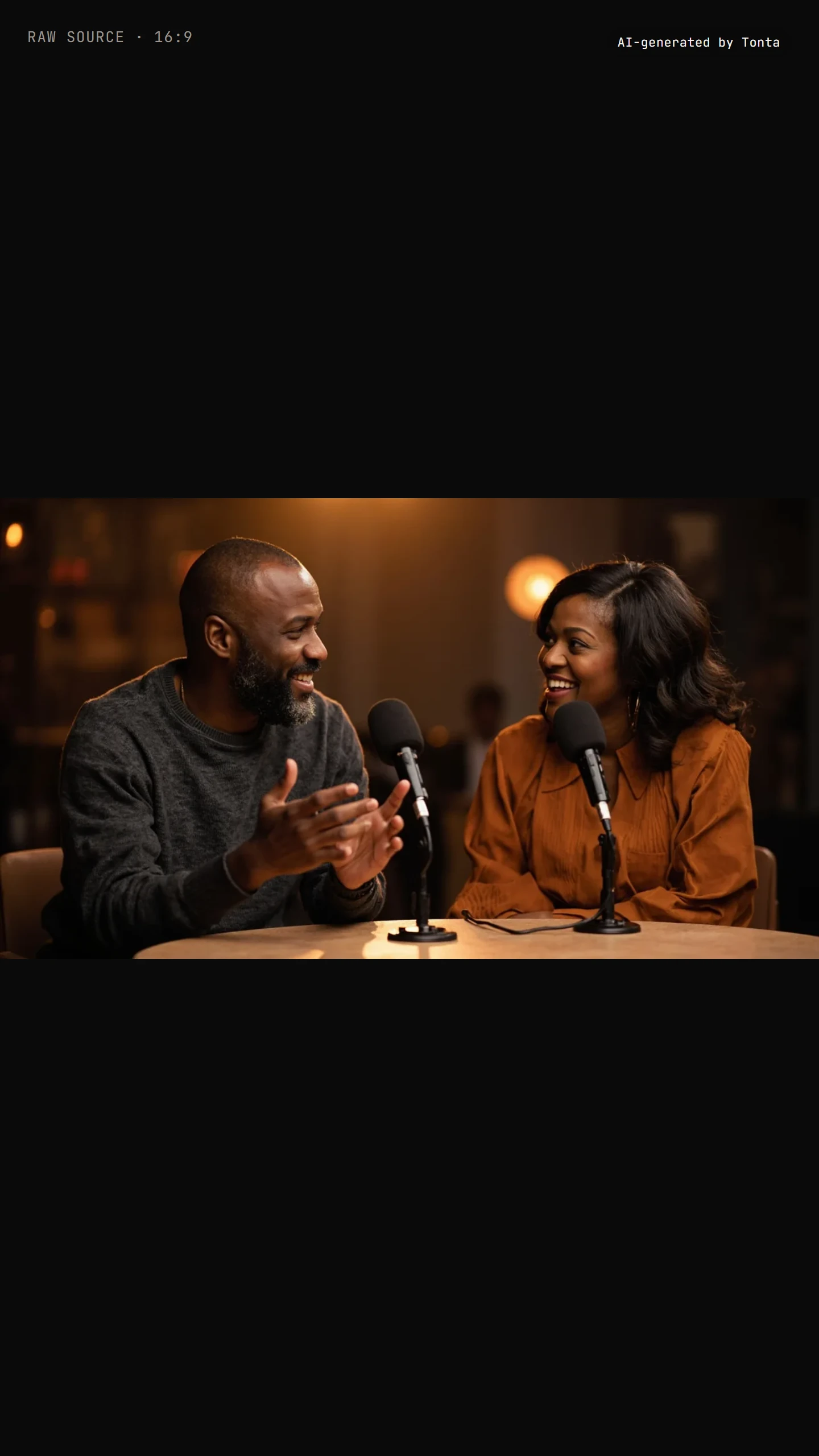
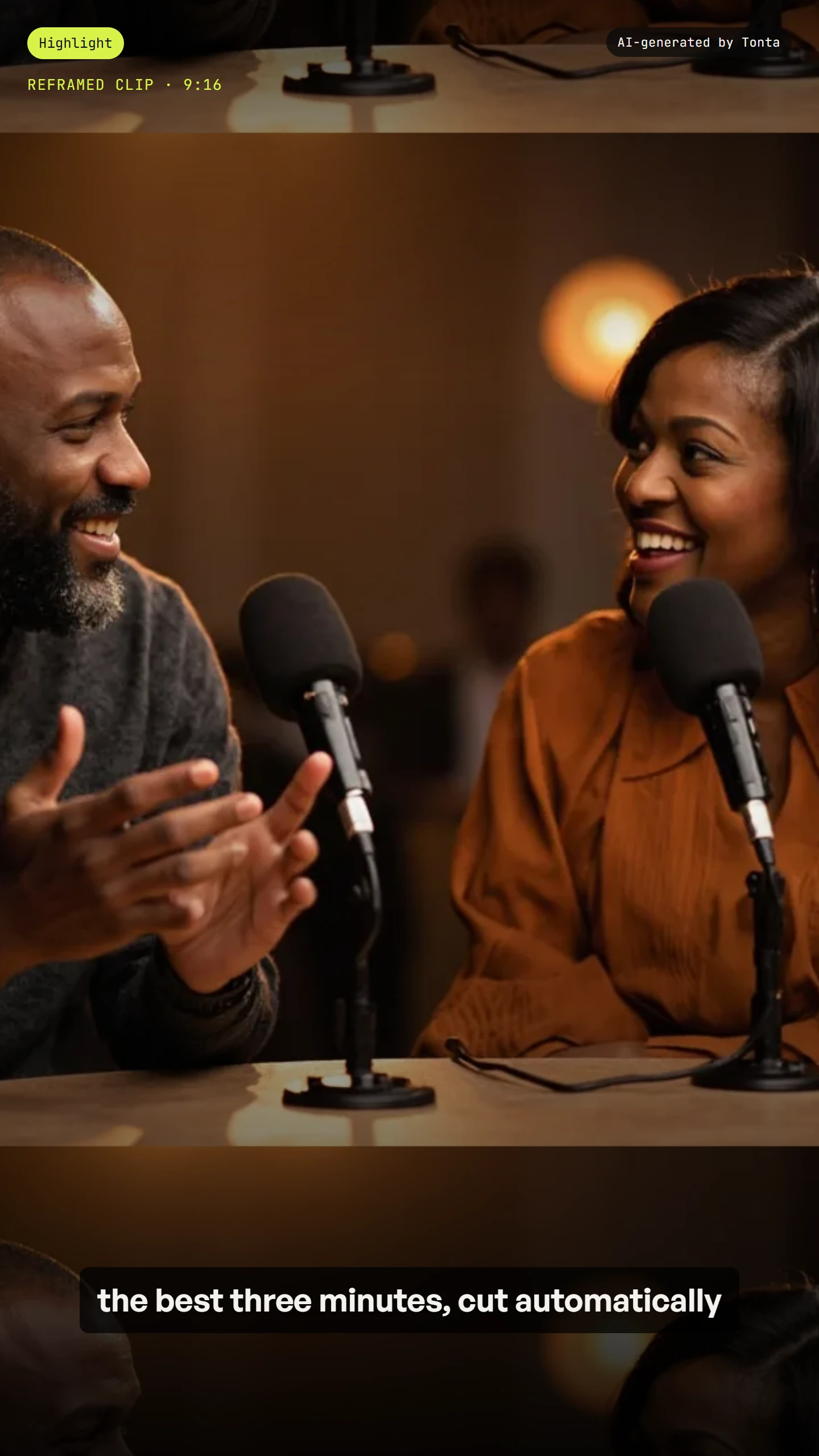
Automatic speaker-tracking reframe to vertical, with captions burned in. Example generated by Tonta to illustrate the reframe — not a customer's own source.
Settings you control
Every setting below ships with a real default — never a blank. Nothing here is asked unless it’s something the agent genuinely can’t infer, or changes the output or the price.
Pricing
Priced per finished piece from your live plan — see the exact, itemised quote in Preview before anything spends. Nothing here is a static number; it's computed from your settings every time.
See a previewModels this service can use
Where it publishes
Every plan reaches every platform below — tiers gate how many connections you get, never which platforms you can reach.
What runs unattended vs. needs your approval
Each cycle probes the newly ingested source, transcribes it, selects clips against your selection criteria checked against what's already been clipped from this source, reframes, burns captions, optionally runs the b-roll augment pass, then applies your branded frame and publish mapping. A source video has to actually be ingested for the cycle to run — this service has no generation fallback if one isn't.
Reference: not applicable. The source video is an input to cut from, not a reference to condition on — nothing here is asked as a reference.
Sample outputs

Frequently asked
Does it need my face on camera?
It works from whatever your long-form source already contains — the service itself asks nothing about who's on camera, since it clips and reframes what you upload.
Do I need to provide a reference?
No — your long-form source video is the input to cut from, not a reference the pipeline conditions on.
Does it publish automatically?
Auto-posting is off by default. A new workspace approves its first five pieces one at a time before anything publishes unattended, and unattended posting stays a Pro-plan-and-up feature everywhere — not because it costs more to produce, but because posting to your real account without a look is a risk decision, not a pricing one. A cadence run also can't happen at all without a fresh source that cycle — it never reuses an old one.
Can it add extra visuals to a clip?
Yes, optionally — the b-roll augment pass generates supporting visuals for a clip that needs more than a straight cut, and it's asked for rather than assumed.