Tonta service
3D models
Anyone who needs a standalone 3D asset — a product mockup, a prop or character mesh for episodic animation, a piece for a scene — without opening 3D software.
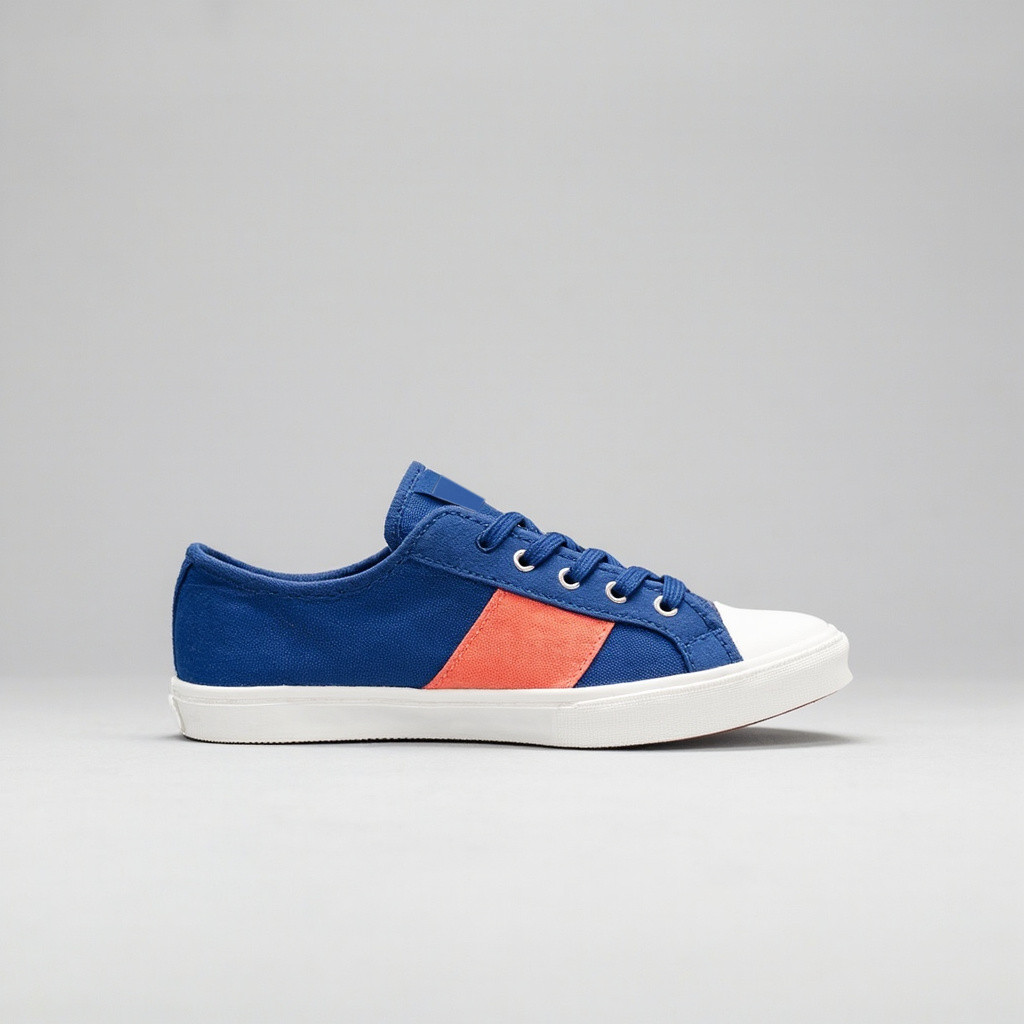
What you get
- A 3D model generated from a prompt or a reference image, in a format ready to preview and reuse
- A preview you look at before deciding what happens next — nothing downstream runs until you choose it
- An optional, off-by-default step to place the model into a scene at a size you set, instead of a second manual import
Generating a model and placing it in a scene are two separate steps, so you can generate, look, and decide — never a surprise auto-import into the wrong project
A placed model is sized and centred predictably rather than landing at whatever scale it happened to generate at
Priced per generation and quoted before anything spends — quality is the dial that moves the price
Settings you control
Every setting below ships with a real default — never a blank. Nothing here is asked unless it’s something the agent genuinely can’t infer, or changes the output or the price.
Pricing
Priced per finished piece from your live plan — see the exact, itemised quote in Preview before anything spends. Nothing here is a static number; it's computed from your settings every time.
See a previewModels this service can use
Tonta picks the best-suited model for each job and quotes it before anything spends. See every model, and what it can do, on the models page.
Where it publishes
Every plan reaches every supported platform. A plan differs in how many brands, seats and connected accounts it includes, never in which platforms you can use.
What runs unattended vs. needs your approval
A run generates the model from your prompt or reference image at the chosen quality, holds it for your preview, and — only if you've turned on automatic placement — places it into the target scene at the size you set. Nothing publishes: the result is a 3D asset for you to review and use.
Reference: recommended. A reference image is required only when you build from an image; a text description alone is enough to build from text.
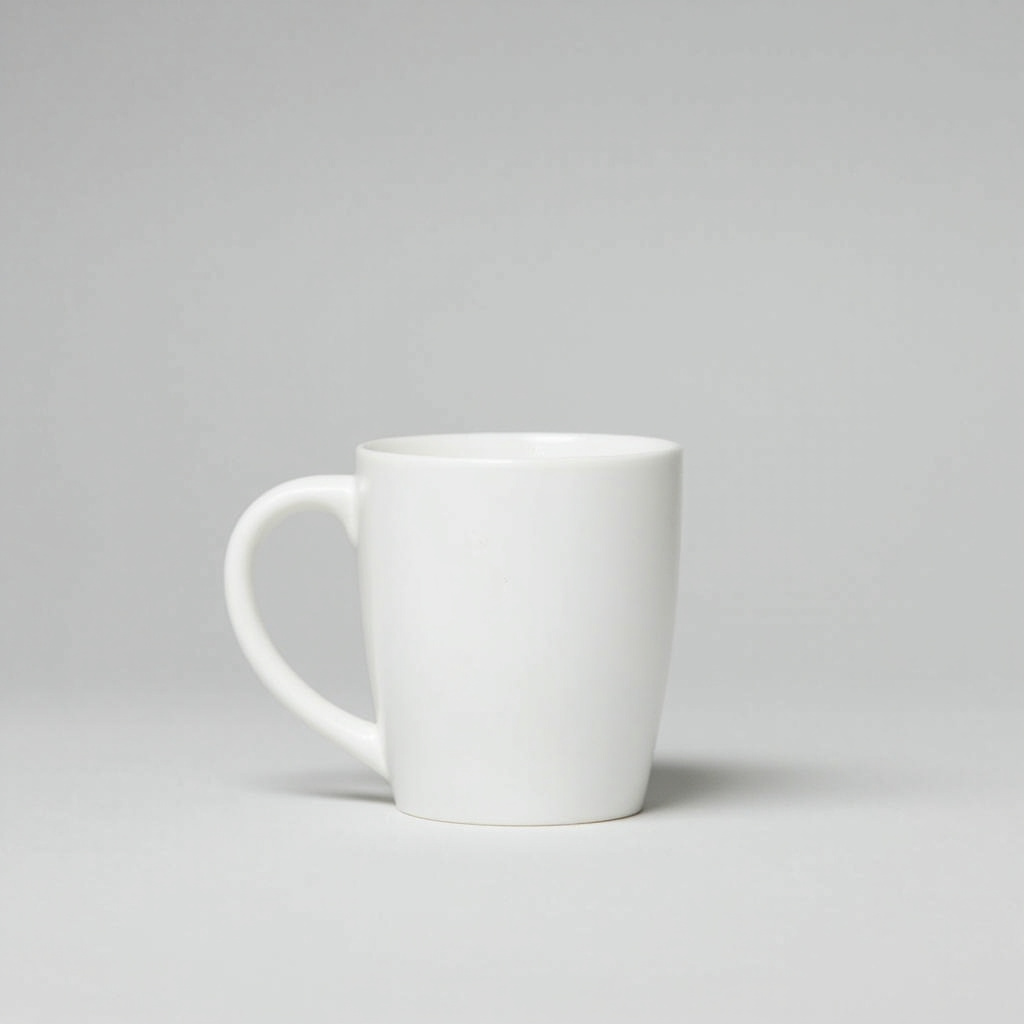
Sample outputs
Frequently asked
How do I start?
Describe the model or attach a reference image in Create. You see an itemised quote before anything spends, and a preview of the result before it goes anywhere else.
Do I need to provide a reference?
Only to build from an image — give it a reference image and it builds from that. Otherwise, a text description is enough.
Does generating a model also put it in a scene?
No, not unless you turn on automatic placement. The default is to generate and preview only; placing it into a scene is a separate, explicit step.
Does pricing depend on the quality I pick?
Yes — quality is priced per generation and quoted before anything spends, same as every other service here; it's never a flat number baked into the page.