Tonta service
Product & UGC ads
E-commerce brands needing a recurring ad library, not one hero video.
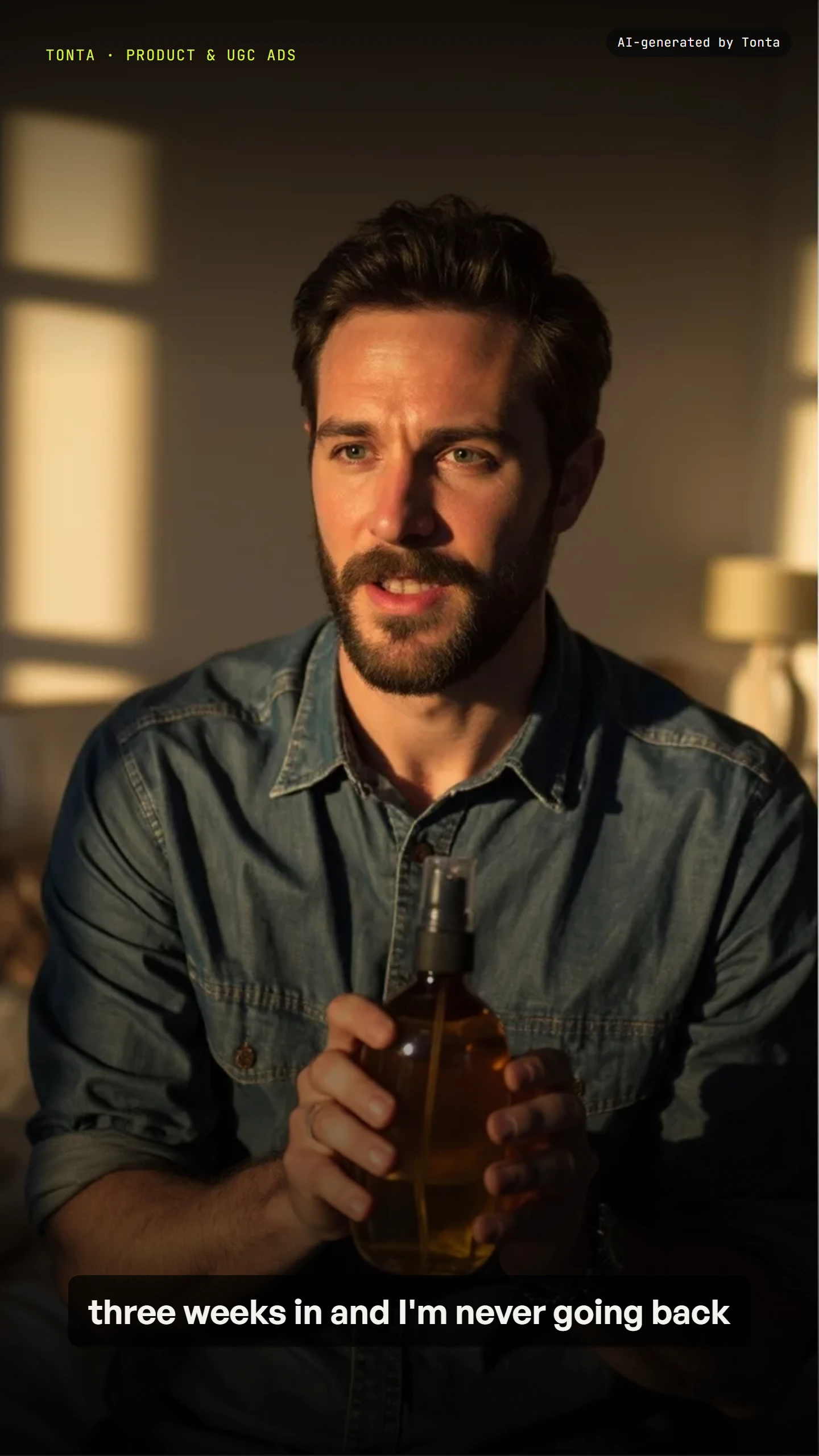
What you get
- The same product held dimensionally correct across every scene — the failure mode that makes most AI product ads unusable
- A hook-and-format matrix per cycle: unboxing, talking-head review, packshot, lifestyle, try-on, problem/solution
- Every claim checked against a whitelist before it ships, at script time and again before publish
New angles are checked against what's already been tried for this product, so the library grows rather than repeats
A consistency pass keeps the product itself correct across every scene, not just each shot's own composition
Claims are enforced twice — at script time and again immediately before publish — never left to catch at review alone
Not at first. Automatic publishing is off by default and nothing publishes without your review until a brand has earned it and you turn it on. Publishing without your approval is a separate setting you turn on yourself. It is not sold with any plan: a brand on any plan can earn it once your workspace has paid and a few of that brand's automated pieces have been approved by you and published without a problem. A rejection, a request for changes, a report that is upheld, a piece held for a safety review or a platform refusal switches it off again. Producing a piece costs the same whoever ordered it; posting to your real account without a look is a different exposure. Safety checks, the AI-generated label and link checks apply to every piece either way.
Settings you control
Every setting below ships with a real default — never a blank. Nothing here is asked unless it’s something the agent genuinely can’t infer, or changes the output or the price.
Pricing
Priced per finished piece from your live plan — see the exact, itemised quote in Preview before anything spends. Nothing here is a static number; it's computed from your settings every time.
See a previewModels this service can use
Where it publishes
Every plan reaches every supported platform. A plan differs in how many brands, seats and connected accounts it includes, never in which platforms you can use.
What runs unattended vs. needs your approval
Each cycle checks which angles were already tried for this product, plans the variant matrix against your product references with the consistency pass, enforces the claims whitelist at script time and again before publish, and applies safe-zone handling for the target platforms. Nothing spends until any claim implied by your offer text is confirmed on the whitelist.
Reference: required. A product shot is required — this is the reference the whole consistency pass anchors to.
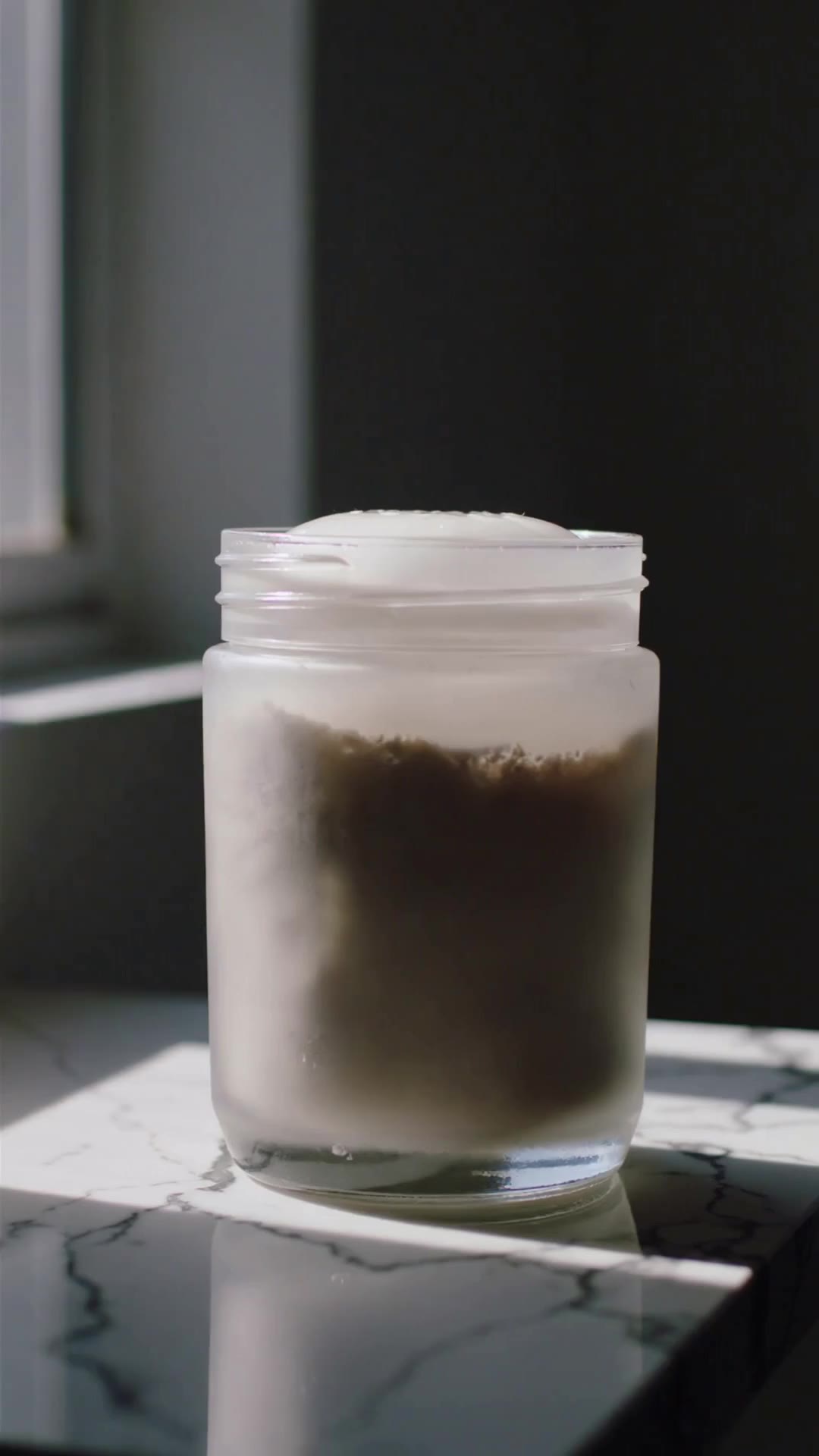
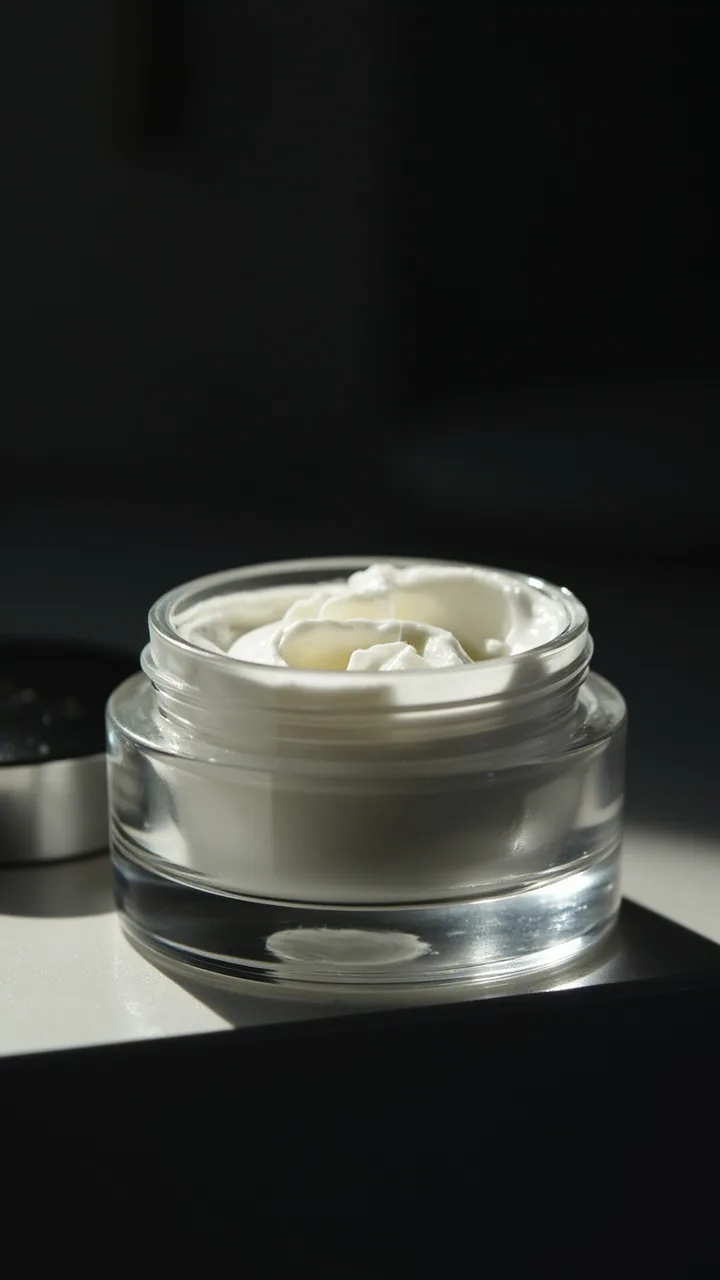
Sample outputs


Frequently asked
Does it need a face on camera?
Only if you set spokespersonMode to an avatar or a talking-head review — the default is none, product-only.
Do I need to provide a reference?
Yes, required — multi-angle product shots are the input the consistency pass is built around.
Does it publish automatically?
Not at first. Automatic publishing is off by default and nothing publishes without your review until a brand has earned it and you turn it on. Publishing without your approval is a separate setting you turn on yourself. It is not sold with any plan: a brand on any plan can earn it once your workspace has paid and a few of that brand's automated pieces have been approved by you and published without a problem. A rejection, a request for changes, a report that is upheld, a piece held for a safety review or a platform refusal switches it off again. Producing a piece costs the same whoever ordered it; posting to your real account without a look is a different exposure. Safety checks, the AI-generated label and link checks apply to every piece either way.
How does it avoid making claims I can't back up?
Every claim implied by your offer text is checked against a claims whitelist you control, at script time and again immediately before publish.