Tonta service
Explainer or course video
SaaS marketing teams, educators, and course creators.
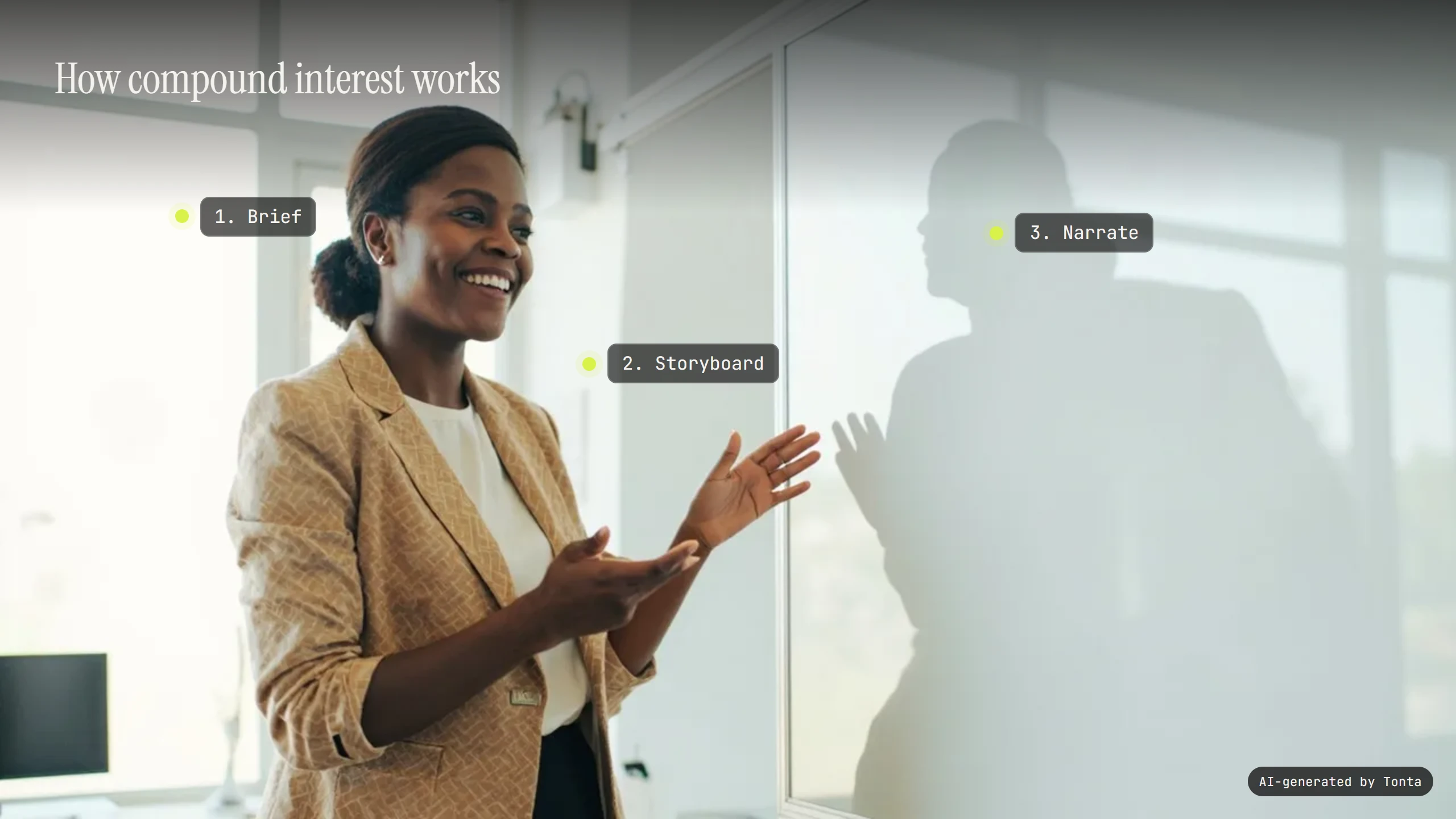
What you get
- A curriculum derived from your own source documents, not a generic script
- A transcript on by default, captions when you ask for them, and an audio description you can turn on (priced from its words)
- Chapter markers on every piece, and a branded intro/outro when you want one
Module and lesson order is honoured as a hard constraint — a later lesson never ships before its prerequisites have
Diagrams are chosen over footage automatically wherever a concept calls for one
A transcript comes with every lesson, captions are there whenever you ask for them, and a spoken audio description is one switch away
Not at first. Automatic publishing is off by default and nothing publishes without your review until a brand has earned it and you turn it on. Publishing without your approval is a separate setting you turn on yourself. It is not sold with any plan: a brand on any plan can earn it once your workspace has paid and a few of that brand's automated pieces have been approved by you and published without a problem. A rejection, a request for changes, a report that is upheld, a piece held for a safety review or a platform refusal switches it off again. Producing a piece costs the same whoever ordered it; posting to your real account without a look is a different exposure. Safety checks, the AI-generated label and link checks apply to every piece either way.
Settings you control
Every setting below ships with a real default — never a blank. Nothing here is asked unless it’s something the agent genuinely can’t infer, or changes the output or the price.
Pricing
Priced per finished piece from your live plan — see the exact, itemised quote in Preview before anything spends. Nothing here is a static number; it's computed from your settings every time.
See a previewModels this service can use
Where it publishes
Every plan reaches every supported platform. A plan differs in how many brands, seats and connected accounts it includes, never in which platforms you can use.
What runs unattended vs. needs your approval
Each cycle checks what's already been taught, derives or continues the curriculum from your source documents and the brief, honours module and lesson order as a hard constraint, plans diagrams versus footage per the diagram policy, and applies accessibility and a branded intro/outro before assembly. Nothing ships until the next lesson's prerequisites are satisfied by what's already gone out.
Reference: recommended. Source documents matter far more than visual conditioning — nothing here is a hard-required reference.
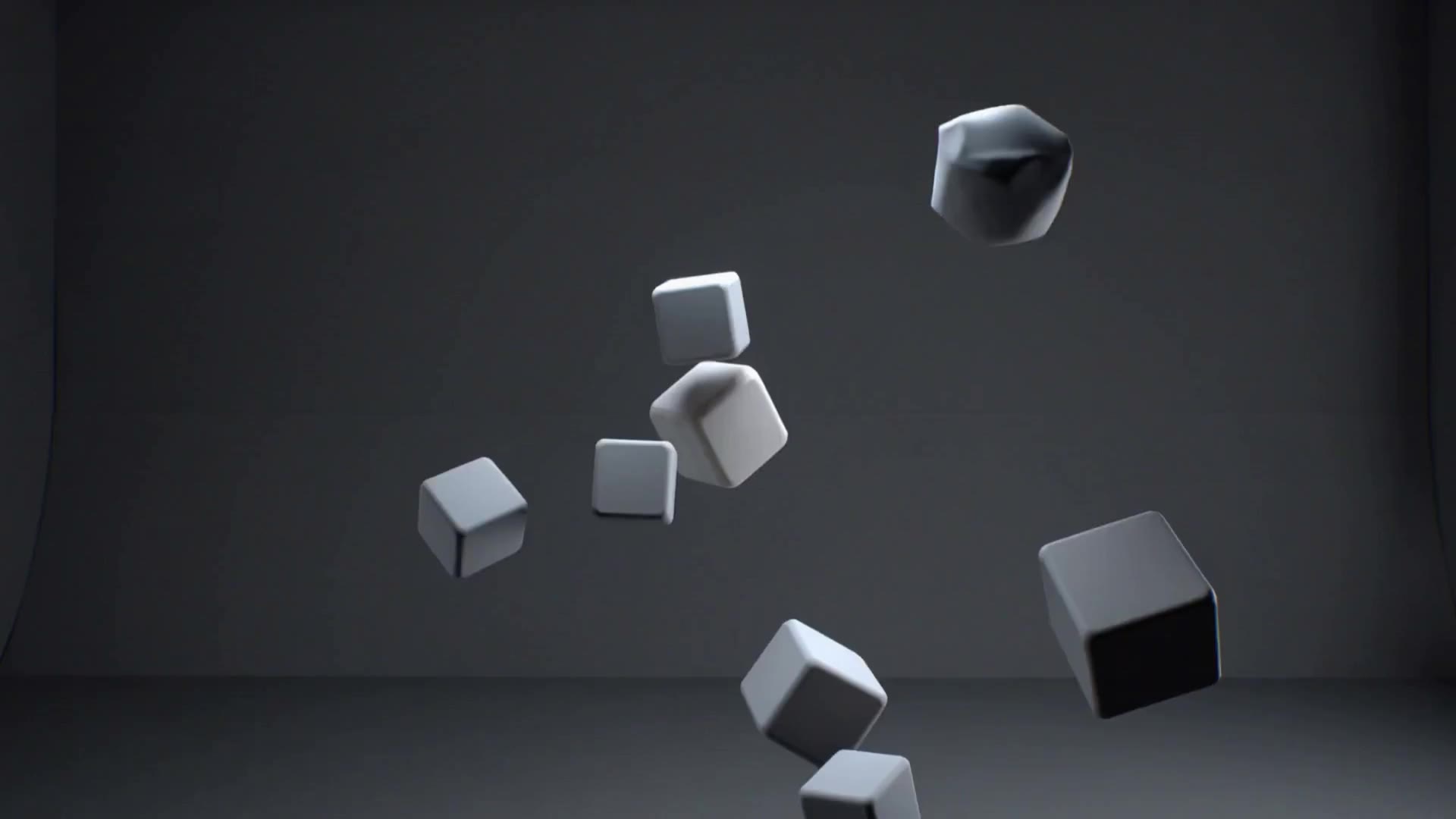
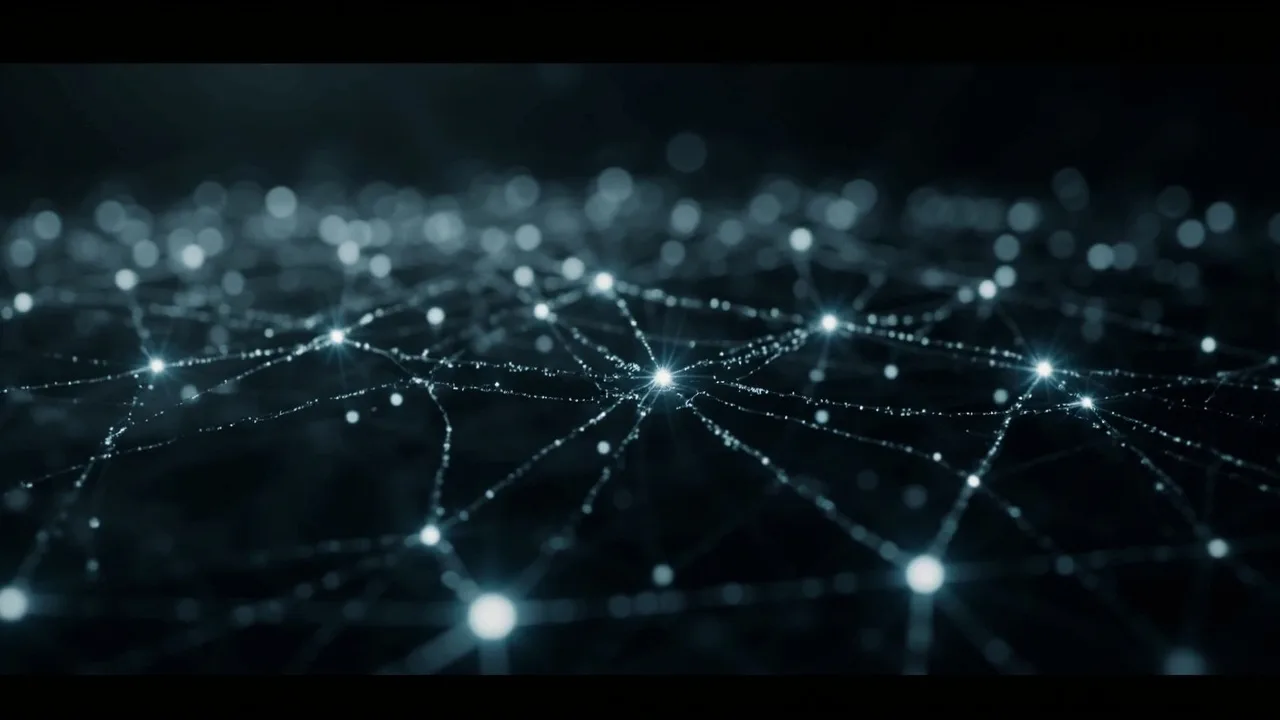
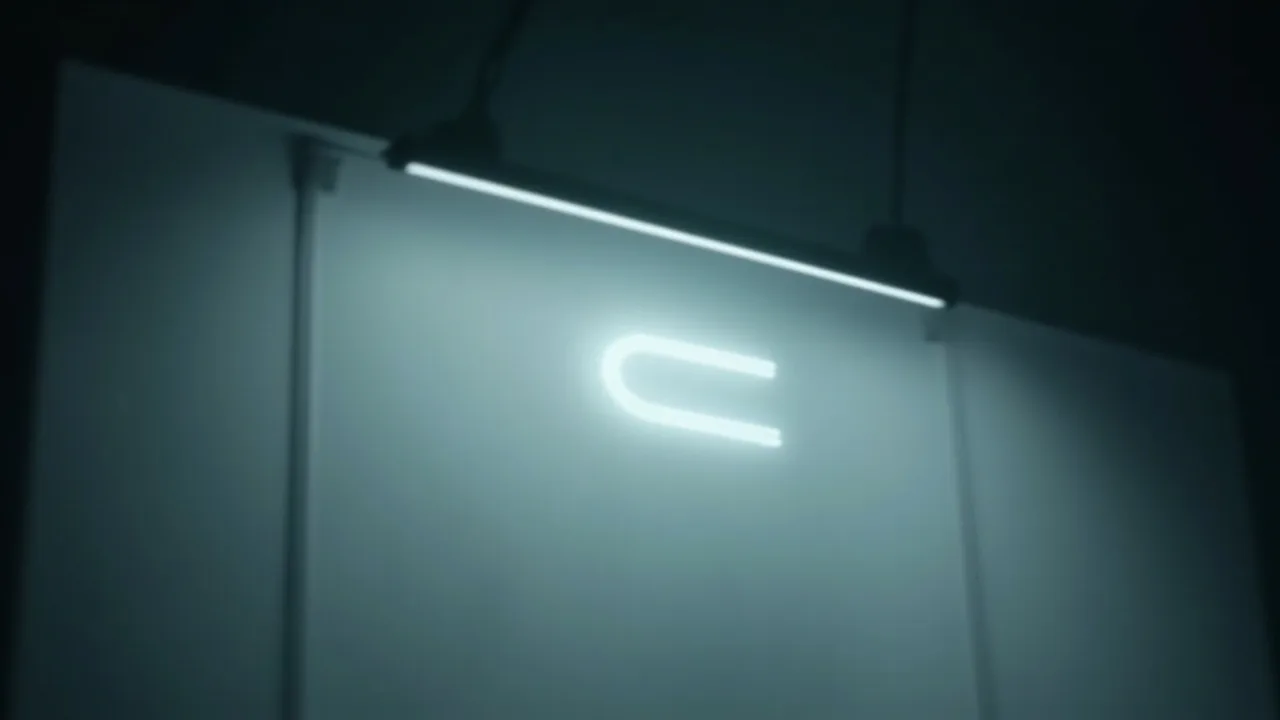
Sample outputs


Frequently asked
Does it need a presenter on camera?
No — every lesson is narrated over generated visuals and diagrams, with a library voice by default.
Do I need to provide a reference?
Not required — source documents (docs, slides, transcripts) matter far more than a visual reference, and a brand kit is recommended only for a branded intro/outro.
Does it publish automatically?
Not at first. Automatic publishing is off by default and nothing publishes without your review until a brand has earned it and you turn it on. Publishing without your approval is a separate setting you turn on yourself. It is not sold with any plan: a brand on any plan can earn it once your workspace has paid and a few of that brand's automated pieces have been approved by you and published without a problem. A rejection, a request for changes, a report that is upheld, a piece held for a safety review or a platform refusal switches it off again. Producing a piece costs the same whoever ordered it; posting to your real account without a look is a different exposure. Safety checks, the AI-generated label and link checks apply to every piece either way.
Can it generate a quiz alongside the lesson?
Yes, if you turn quizGeneration on — it's off by default and affects price, so it's opt-in rather than assumed.